#>SuMac = {SuMac_Terminal + SuMac_Helper}
SuMac
This one’s for the macOS Terminal dwellers.
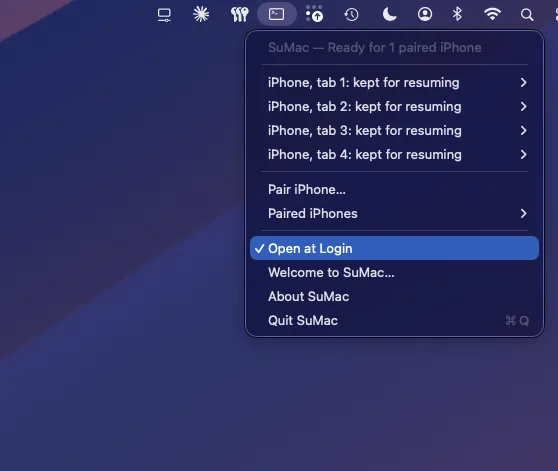
SuMac is a simple tool consisting of two parts: SuMac Terminal, an iOS app, and SuMac Helper, a native macOS app. Pair your iPhone or iPad with your Mac using a QR code and SuMac creates an encrypted connection to your Mac’s Terminal. Pairing takes seconds.
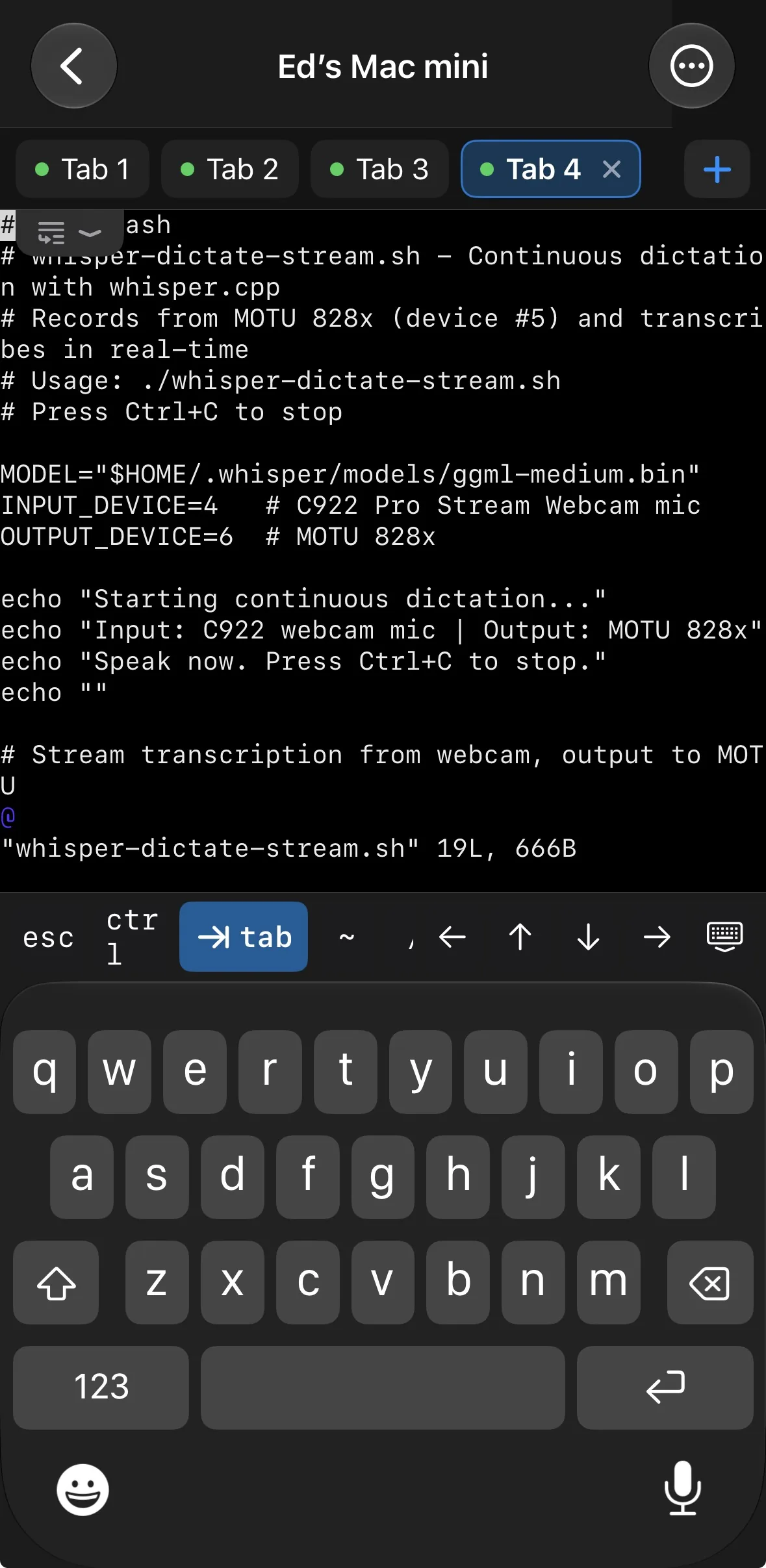
Once connected, you can finish tasks, administer your AI agent, run commands, check on long-running jobs, or do pretty much anything else you’d do in Terminal on the Mac itself, from your iPhone or iPad.
Works on your own network. Your Mac and your iPhone or iPad need to be able to reach each other, which usually means being on the same network. A VPN such as Tailscale can let you reach your Mac from elsewhere, but how you use it is down to you!
Setting up. Install SuMac Helper on your Mac and SuMac Terminal on your iPhone or iPad. SuMac Helper includes built-in help, but you probably won’t need much of it: display the pairing QR code, scan it with SuMac Terminal, and you’re connected.
SuMac includes a ‘check screen’ feature which uses the same secure connection. Be aware, this allows you to interact with the screen but with strict security limitations. This is very useful for checking a long process such as an online-install, but in order to do this, you must be the logged in user and switch off any power saving features. If you need more than this, a VNC client may be the better choice.
Features
- iOS Terminal client with native macOS helper
- Encrypted Mac-to-iOS connection
- QR-code device pairing
- Terminal input with modifier and Tab keys
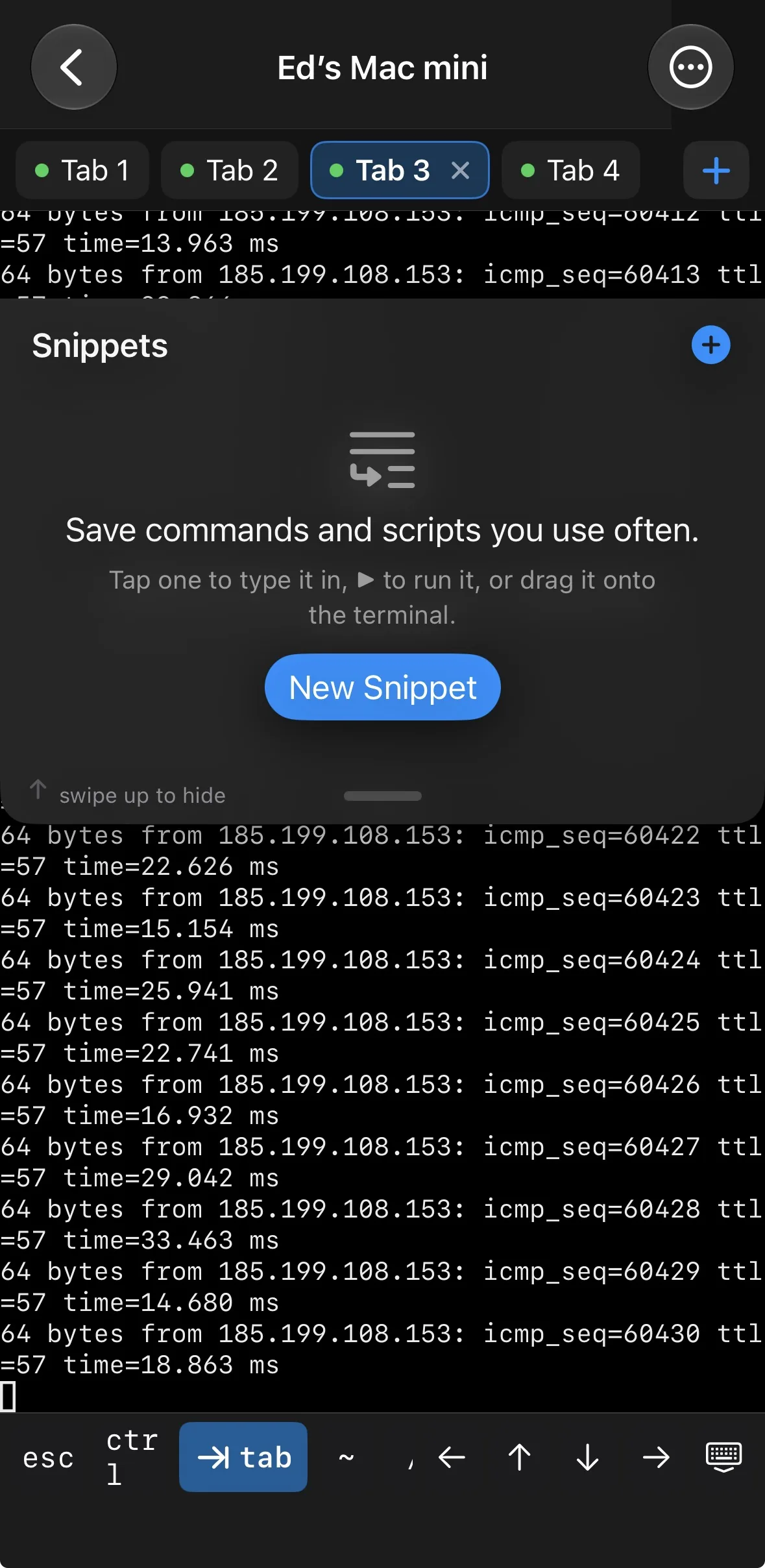
- Reusable command snippets
- Local-network connectivity; VPN access supported
Screenshots